
Telegram mini app
- Open our Telegram bot and click
Launch App - Put your evm wallet address into
settingspage and clickRequest whitelist
Telegram bot
- Add
paylora_botinto your telegram channel as an admin - Forward post from your telegram chanel and bot will add your chanel to our system
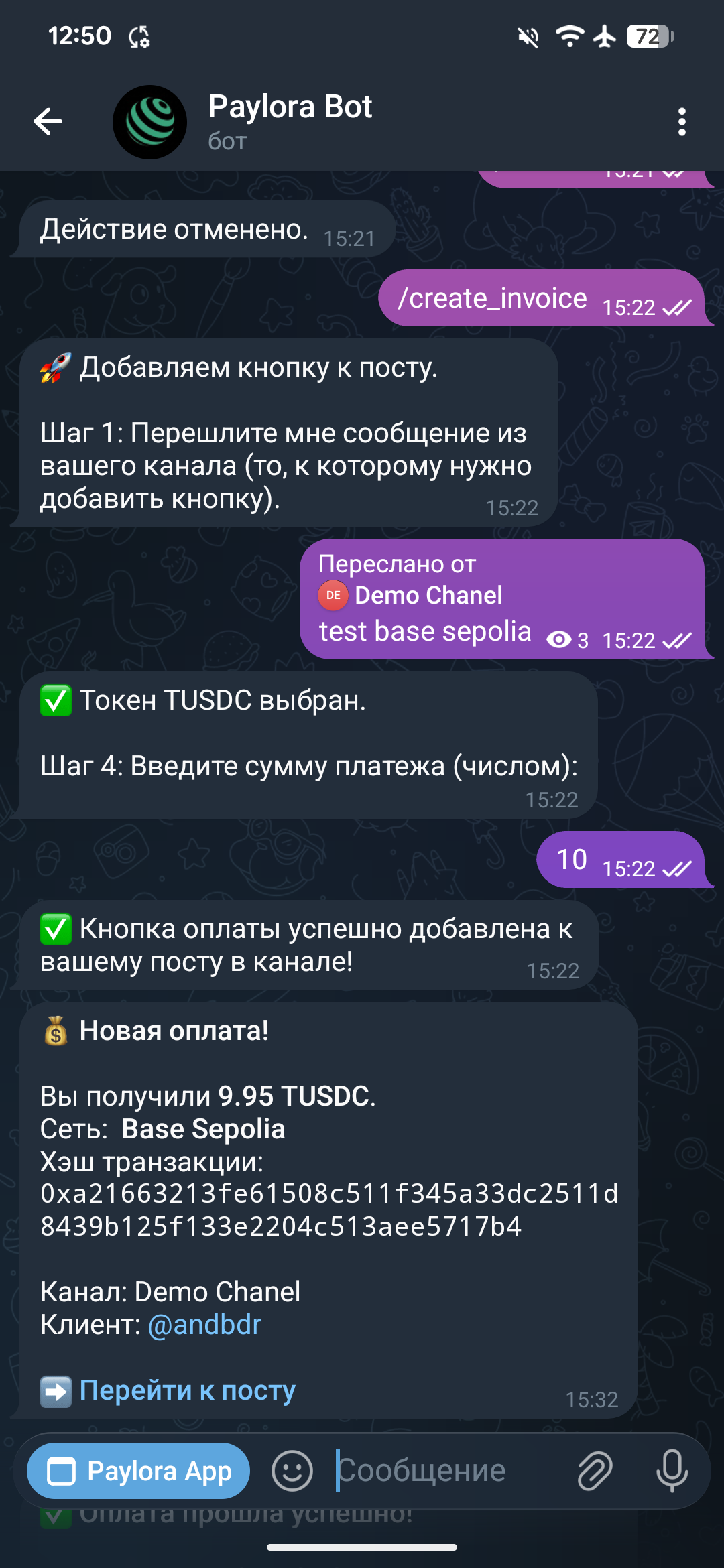
- Write
/create_invoicecommand - Forward post from the chanel to which you want add payment button
- Select network from the list provided by bot
- Select token from the list provided by bot
- Write amount > 0
- Payment button will added to your post
- After click telegram mini app will open checkout page where user can connect his wallet via QR code and pay
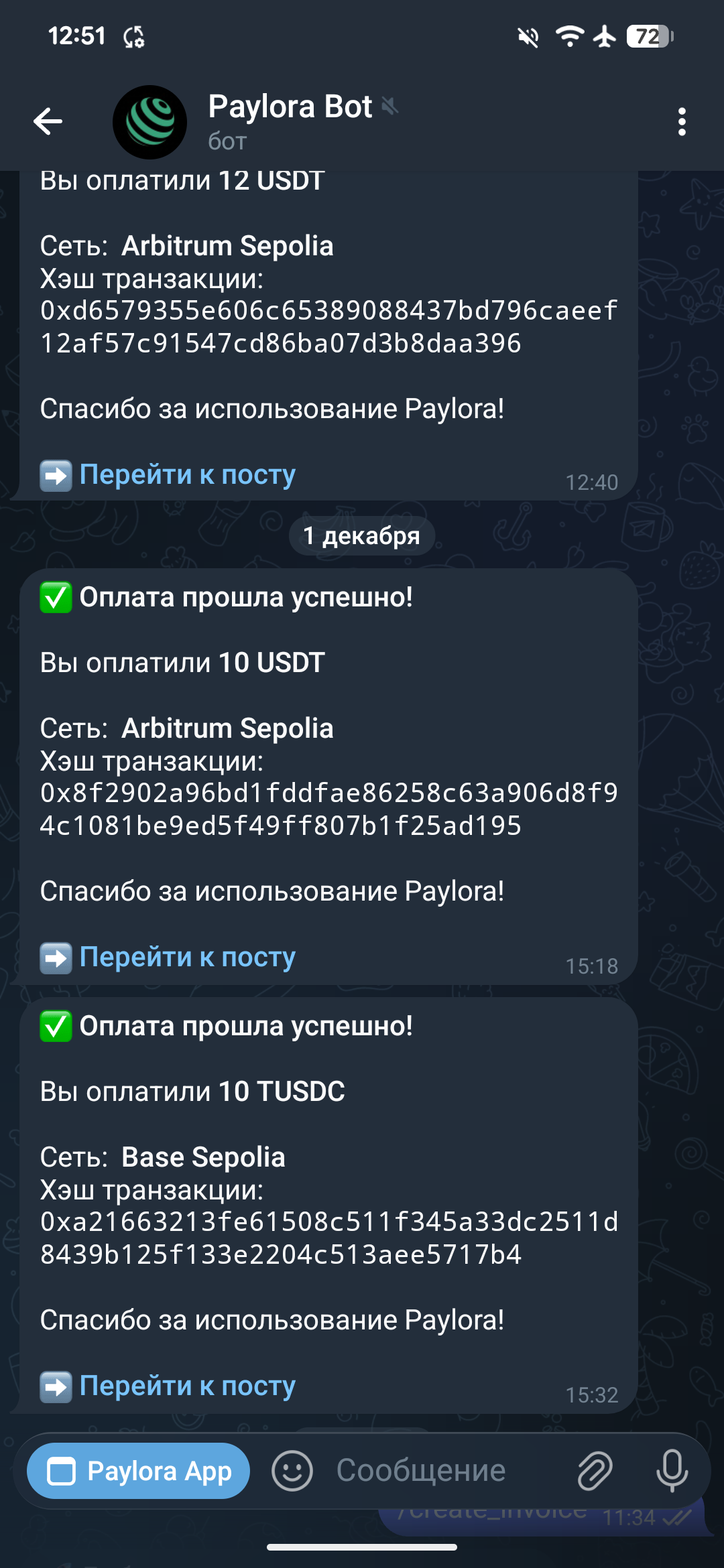
- After payment bot will sent notification
Buyer notification