> ## Documentation Index
> Fetch the complete documentation index at: https://docs.paylora.org/llms.txt
> Use this file to discover all available pages before exploring further.
# Telegram
> Telegram bot and Mini App for accepting crypto payments
Learn more about the our telegram integration below. Before using telegram bot you should create acount via mini app or using web app (telegram widget login)
## Telegram mini app
1. Open our [Telegram bot](https://t.me/paylora_bot) and click `Launch App`
2. Put your evm wallet address into `settings` page and click `Request whitelist`
## Telegram bot
1. Add `paylora_bot` into your telegram channel as an admin
2. Forward post from your telegram chanel and bot will add your chanel to our system
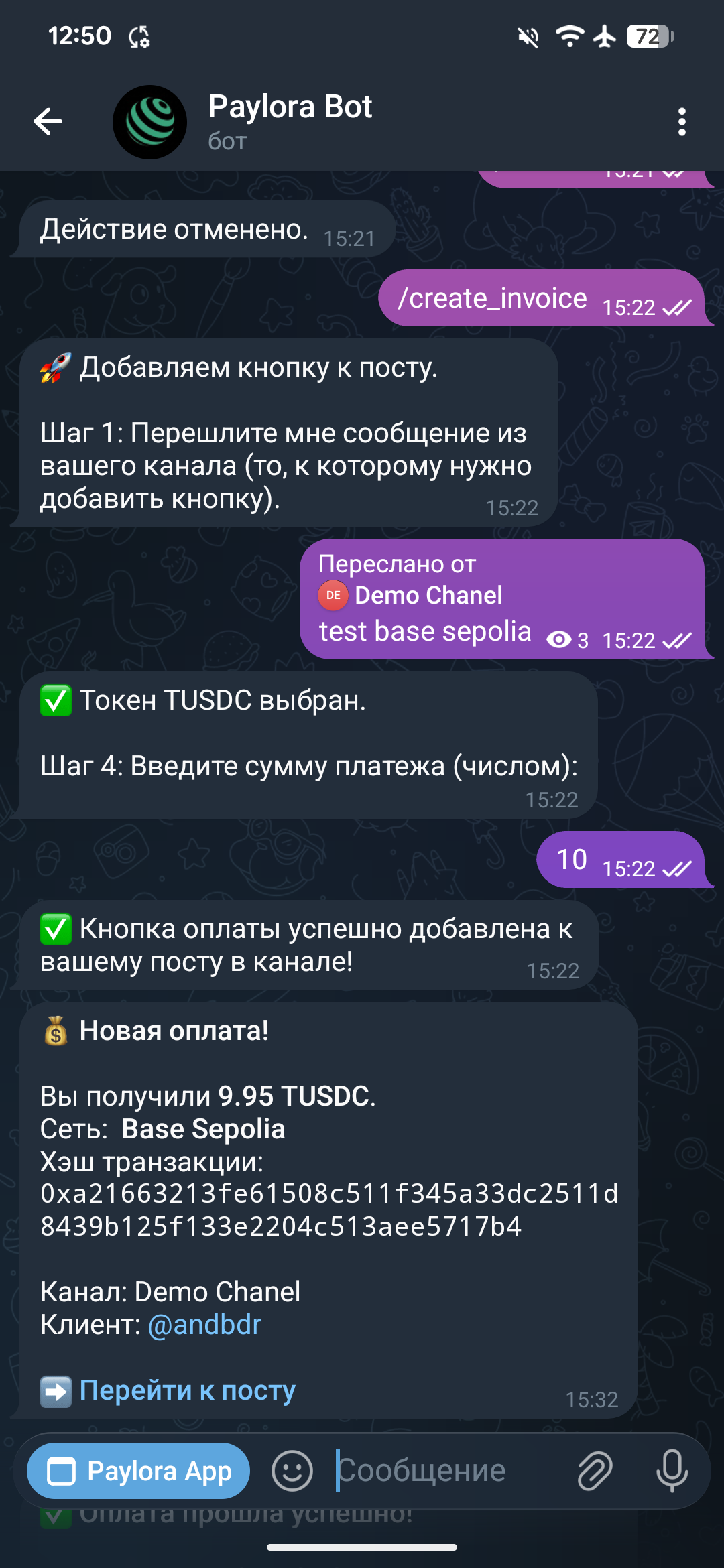
3. Write `/create_invoice` command
4. Forward post from the chanel to which you want add payment button
5. Select network from the list provided by bot
6. Select token from the list provided by bot
7. Write amount > 0
8. Payment button will added to your post
9. After click telegram mini app will open checkout page where user can connect his wallet via QR code and pay
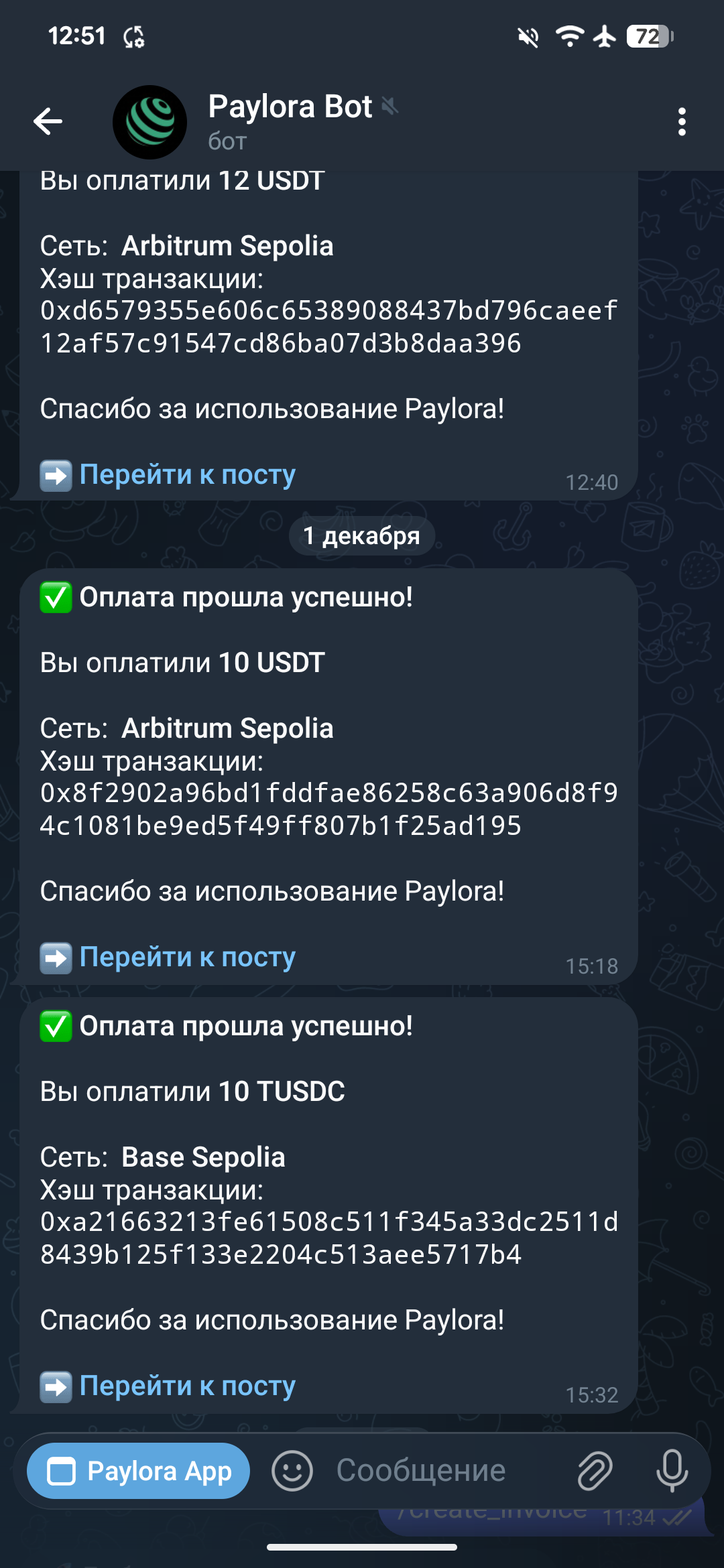
10. After payment bot will sent notification
Buyer notification
Merchant notification
Telegram mini app configuration and steps 1-3 needed only for chanel registration then you can add payment button only following steps 3-7
 Merchant notification